FCAIC is a live stream on Flutter, Dart and AI on the Flutter Community YouTube channel. I co-founded it and co-host it: we build agentic apps, try new AI tools on real Flutter code, and bring on guests from the community.
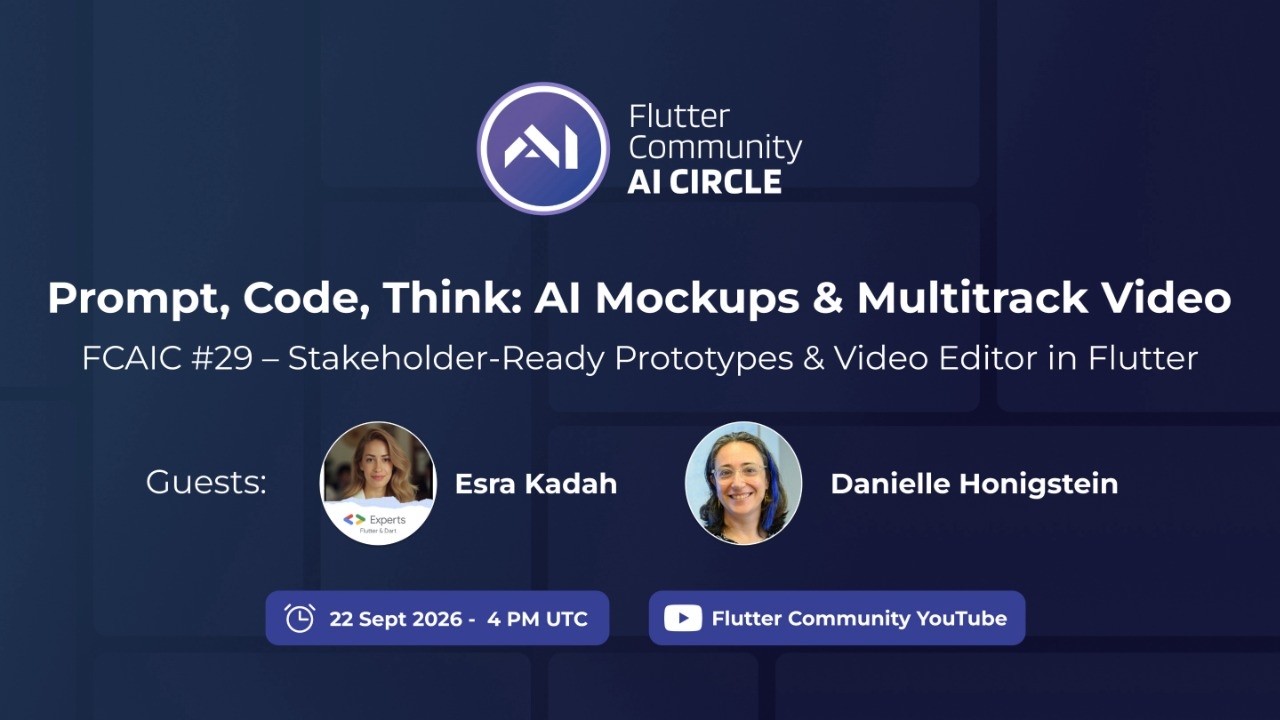
Danielle Honigstein shows how she turns an idea into a public, clickable mobile mockup: screens designed in Google Stitch, its design.md turned into a Flutter theme by an AI coder, stakeholder-style characters made with Gemini on a green background, and a Flutter web build deployed to GitLab Pages inside the device_preview plugin. She lists the remaining issues (state management, code quality, slow web loading). Esra Kadah then shows her in-progress multitrack video editor built with flutter_deck, covering auto-alignment of recordings, export, and lessons about scope and AI quota.
Mateusz Wojtczak introduces Patrol as a Flutter-first E2E framework, and Oskar Zając explains the QA pain points (widget keys, failure investigation, flakiness) that led LeanCode to write a test architecture and build Patrol MCP. Oskar then demos an agent fixing a broken sign-up test and writing a new test from a manual test case, using Patrol MCP and LeanCode's open Patrol skills. The guests also contrast Patrol MCP, which runs tests, with Marionette MCP, which drives a running app.
Norbert Kozsir demos Vide, his open-source terminal coding agent written in Dart, which runs headless Claude Code instances under the hood and is built on his Flutter-like Nocterm TUI framework. He has Vide's enterprise agent team build a git client TUI from one prompt, shows a daemon mode with a Flutter mobile client, Nocterm hot reload and DevTools, and his experimental redstone.dart project that renders Flutter widgets inside Minecraft. The generated git client worked as a first draft but had bugs when switching tabs.
The launch stream of the Flutter Community AI Circle opens with Esra explaining LLMs, RAG, MCP and agentic apps through a Lego analogy, followed by a survey of AI coding tools. The hosts then build a grocery checkout app in DartPad, Gemini Code Assist and Roo Code, and Esra uses Cursor with her own rules to generate a smart home app from one prompt.
Chris Gill, a product manager at Google, introduces Genkit Dart, now in preview: a model-agnostic generate API, typed flows with schemas, and a developer UI for traces. Chris demos an Explain Like I'm Five Flutter app that turns a selfie into a cartoon avatar with Nano Banana and builds a storybook grounded with Google search, then inspects the traces, reruns a step with another model in the model runner, and shows the Flutter client and a hybrid setup that keeps API keys off the device. Sasha and the hosts discuss community Genkit plugins, and Q&A covers token usage, GenUI and Gemini Live support.
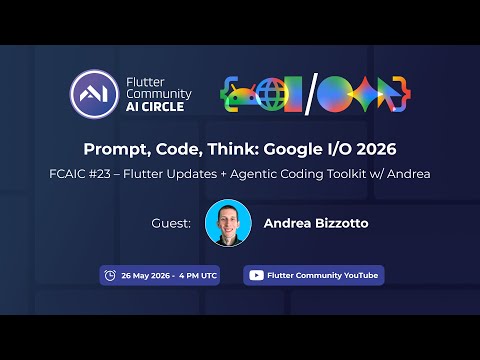
Andrea Bizzotto talks through how his Agentic Coding Toolkit (ACT) grew out of repeated prompts into a set of Flutter skills, and when spec-driven workflows help or hurt compared with plain prompting. He shows a new Figma-to-Flutter skill working through the Figma MCP server, and the panel discusses skill size, progressive disclosure, self-improving skills and the need for evaluation. The episode closes with a short recap of Google I/O 2026 items for Flutter, such as on-device Gemma and Firebase AI.
Co-host Randal Schwartz demos his dart-sdk-skills, which condense Dart and Flutter changelogs into version-aware agent skills, by having Antigravity build a deliberately legacy Flutter 1.22 app. Using Puro to switch SDKs, the agent migrates it step by step through null safety, Flutter 3, Dart 3 records and sealed classes, Dart 3.13 primary constructors, and finally the standalone material_ui package split, running analyze and tests at each step. He publishes the demo script as a gist and notes the low quota cost on a $20 plan.
Co-host Randal Schwartz presents two skills he uses in Google Antigravity. First, his Adventure-GM skill runs a Monty Hall puzzle with a hidden secrets file for ground truth and a Portland walk with generated images, after which he explains how skill headers load lazily. Second, he walks through his ticket resolution workflow skill with human approval gates, TDD, a five-pillar self-review, bot triage and a background meta-doc updater, and explains why it stays personal rather than in a project's agents file.
Cagatay Ulusoy demos the GenUI features of his Finnish language-learning app (writing lessons, feedback, an image-description wizard, vocabulary decks and chat scenarios) and walks through his articles. He contrasts hand-built GenUI with structured output against the Flutter GenUI SDK and the A2UI protocol, noting the token cost of sending a large catalog. He shows how generated A2UI lessons are cached in Firestore, replayed through the same transport, and inspected per language in a custom Widgetbook add-on.
Mateusz Wojtczak introduces Patrol as a Flutter-first E2E framework, and Oskar Zając explains the QA pain points (widget keys, failure investigation, flakiness) that led LeanCode to write a test architecture and build Patrol MCP. Oskar then demos an agent fixing a broken sign-up test and writing a new test from a manual test case, using Patrol MCP and LeanCode's open Patrol skills. The guests also contrast Patrol MCP, which runs tests, with Marionette MCP, which drives a running app.
Sasha Denisov explains what Gemma and flutter_gemma are, how LiteRT-LM and MediaPipe relate, and whether on-device models are production ready for narrow tasks. He then walks through RAG basics and the flutter_gemma move from SQLite with brute force or HNSW search to Qdrant Edge over Rust FFI, reporting large indexing speedups and payload filtering. The panel discusses re-indexing after an embedding model change, model download size, and RAG versus plain markdown on device.
Andrea Bizzotto talks through how his Agentic Coding Toolkit (ACT) grew out of repeated prompts into a set of Flutter skills, and when spec-driven workflows help or hurt compared with plain prompting. He shows a new Figma-to-Flutter skill working through the Figma MCP server, and the panel discusses skill size, progressive disclosure, self-improving skills and the need for evaluation. The episode closes with a short recap of Google I/O 2026 items for Flutter, such as on-device Gemma and Firebase AI.
Randal L. Schwartz installs the official Dart and Flutter agent skills into a fresh counter app with npx, explains that only a skill's header stays in context until the body is needed, and has Antigravity with Gemini Flash rewrite the skills to his preferences, Signals instead of ChangeNotifier and mocktail instead of Mockito. The agent then refactors the counter app to Signals and adds tests toward full coverage. Q&A covers keeping customized skills current with git and how skills differ from rules, MCP, tools and extensions.
Andrew Brogdon from Google recaps Flutter at Google Cloud Next 2026: the GenLatte generative UI coffee-ordering demo, talks from Toyota and Talabat, Cloud Functions support for Dart in preview, and his talk on GenUI and the A2UI protocol. He explains how A2UI lets an agent and a Flutter client exchange a catalog of UI components, data and user events, and points to a new GenUI and A2UI codelab. The hosts add notes on Antigravity code completion and the next Signals release.
Chris Gill, a product manager at Google, introduces Genkit Dart, now in preview: a model-agnostic generate API, typed flows with schemas, and a developer UI for traces. Chris demos an Explain Like I'm Five Flutter app that turns a selfie into a cartoon avatar with Nano Banana and builds a storybook grounded with Google search, then inspects the traces, reruns a step with another model in the model runner, and shows the Flutter client and a hybrid setup that keeps API keys off the device. Sasha and the hosts discuss community Genkit plugins, and Q&A covers token usage, GenUI and Gemini Live support.
Jhin Lee presents llamadart, his Dart package that runs llama.cpp for on-device LLM inference on mobile, desktop and web with any GGUF model. He demos a multimodal web chat, a Nocterm-based TUI agent, an OpenAI-compatible API server and a CLI, compares native and web speed, and explains the precompiled native libraries fetched through build hooks, the generated FFI bindings, the WASM bridge and his own Jinja template engine. Q&A covers model size on phones, privacy, Genkit integration and his request for community testing on more devices.
Randal L. Schwartz explains how to customize Gemini CLI and Antigravity without bloating the context: always-on rules such as GEMINI.md at global and workspace level, workflows and custom commands as slash-command macros, and skills that only load their header until they are needed. He creates a /hello workflow live, runs an Adventure Master workflow that generates a photo-realistic story in Portland with Nano Banana, and shows a Dart and Flutter expert skill and the skills.sh directory, with a warning about installing untrusted skills.
Jhin Lee demos QuAI, a Flutter macOS writing assistant he vibe coded to proofread, restyle and translate selected text through a global shortcut, using Gemini or offline models and custom styles that can be generated with AI. He explains he built it by planning with a CLI agent without reading the code, runs a good, bad and ugly review of the codebase as a first step toward a public release, and describes building llamadart to make the offline models easier to ship. The hosts discuss where vibe coding stops and engineering concerns like API keys and monetization begin.
Norbert Kozsir demos Vide, his open-source terminal coding agent written in Dart, which runs headless Claude Code instances under the hood and is built on his Flutter-like Nocterm TUI framework. He has Vide's enterprise agent team build a git client TUI from one prompt, shows a daemon mode with a Flutter mobile client, Nocterm hot reload and DevTools, and his experimental redstone.dart project that renders Flutter widgets inside Minecraft. The generated git client worked as a first draft but had bugs when switching tabs.
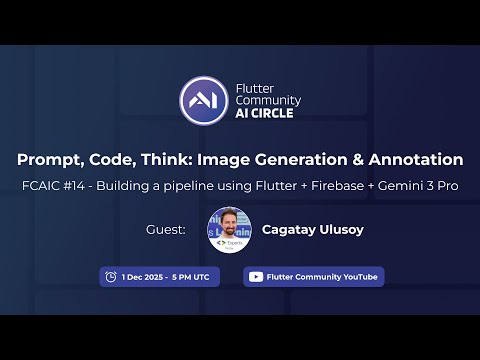
Çağatay Ulusoy walks through his Flutter app for the Finnish YKI language exam, which uses Firebase AI Logic for a three-step pipeline: Gemini 2.5 Flash writes a structured scene description from a topic seed, Gemini 2.5 Flash Image draws it, and Gemini 3 Pro Image Preview annotates vocabulary on the image. He demos spoken-answer feedback on his phone, graded against the exam criteria PDF, and shows the safety and inclusivity rules in his prompts. He closes with a Firestore random-index pool that reuses generated images across users to cut latency and cost.
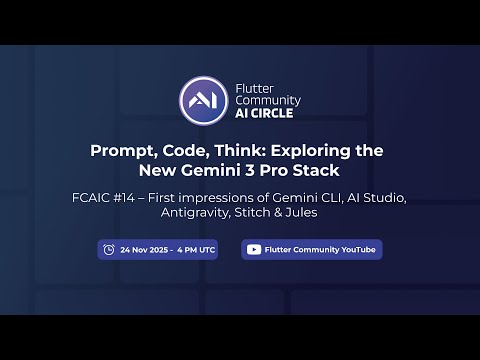
The co-hosts share first impressions of the Gemini 3 Pro tool wave. Steph describes a beginner path from Gemini CLI to a Stitch design to Flutter code from Jules, Jhin shows an app he took from Gemini deep research and an AI Studio prototype to a Flutter build with Gemini CLI and Antigravity, and Randal reports Antigravity finishing his adventure app with a direct REST call for Nano Banana. Esra then designs an FCAIC community app in Stitch live and exports it to AI Studio, which builds a clickable TypeScript prototype.
Jhin Lee shows Gemini CLI extensions (Context7, Flutter and Firebase) and uses the Firebase extension's init command to add Firebase AI Logic to a vibe-coded Flutter to-do app. He uses the Dart MCP server with the DTD link so a widget picked in the widget inspector can be removed by prompt. The live attempt to add Nano Banana thumbnails loops through wrong packages and random images, so he ends by showing a branch prepared earlier where the feature works.
In part two Randal Schwartz shows the adventure app now generating text stories after an offline fix: the first prompt lacked the JSON format instructions, so the response used the wrong key. He walks through the signals-based state, the Gemini provider and the history prompt, then has Gemini CLI review the code with a good, bad and ugly prompt and plan an on-demand Show image feature. The image step fails again because the deprecated google_generative_ai package does not support inline data, and moving to Firebase AI Logic is left for later.
Randal Schwartz rebuilds his AI Studio TypeScript choose-your-own-adventure prototype as a Flutter app using Gemini CLI in VS Code, starting from a PRD reverse engineered from the TypeScript code. Gemini CLI writes a step-by-step plan and implements it one tested, committed step at a time, with signals, a service locator and mocktail tests, and Randal tours his MCP setup along the way. By the end a text-only adventure runs on macOS against the Gemini API, while image generation fails on the google_generative_ai package and is commented out for a follow-up episode.
Khanh Nguyen and Ander Dobo from Google join to discuss the plant identifier demo from the Google I/O What's new in Flutter talk, built with Flutter and the Firebase AI Logic Live API. Khanh walks through the code that streams microphone audio and one camera frame per second as inline data parts to a Gemini 2.0 Flash live model, then shows a sample app where a voice request triggers a tool call. The panel also discusses model choice between Flash and Pro, evals, whether AI replaces developers, and community demand for official Flutter AI rules.
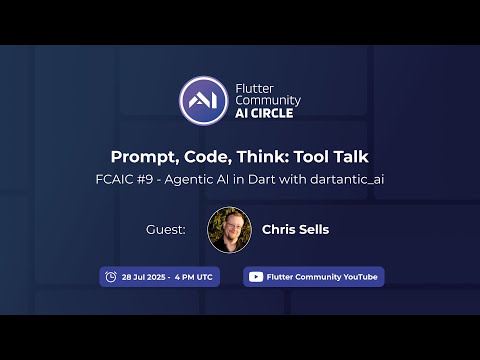
Chris Sells introduces dartantic_ai, a provider-agnostic Dart framework for agents with typed output, tool calling and embeddings, released as 1.0 the night before the stream. He demos CalPal, a Flutter AI Toolkit chat app that calls Dart tools and a Zapier MCP server for his Google Calendar, and switches between Google and OpenAI. The conversation then covers his spec-first AI coding workflow, about 1100 provider tests, tool-assisted RAG and keeping agents away from git and production data.
Jhin shows Prompt Pilot, a prompt-enhancing web app he built entirely by prompting in Firebase Studio, then uses Claude Code's plan mode and VS Code integration to change a Flutter raffle wheel app. Randal demonstrates Roo Code's new task list while generating a PRD for a chatbot built with flutter_ai_toolkit, then has Gemini CLI implement it; the working app ends up calling the Gemini REST API directly instead of the package.
Guest Salih Güler explains MCP and walks through a Dart MCP server for the Flame engine docs that he generated with Amazon Q Developer CLI, consisting of a GitHub doc syncer and a JSON-RPC server over standard IO. He queries it from Claude Desktop, has Q CLI build a space shooter game from a nine-word prompt, and then improves it with the newly announced Kiro IDE.
Randal introduces Gemini CLI, running it in the VS Code terminal to explain and edit a counter app, configure MCP servers through settings.json and GEMINI.md, and discuss its file access boundaries. Guest Sasha Denisov then explains Gemma as an open model, his flutter_gemma package for offline multimodal inference with Gemma 3n, and LoRA fine-tuning in a Colab notebook that he says needs updating.
After a tour of the new ai.fluttercommunity.dev website, Esra tries Firebase Studio on a Flutter counter app, where Gemini adds a decrement button and a 0 to 10 limit before rate limits stop the demo. Jhin explains MCP and his mcp_dart package with a calculator example and a flow diagram, and Randal shows Roo Code's system prompt preview, his own pub.dev search MCP and installing a time MCP server from Roo's new marketplace.
Randal walks through installing and configuring Roo Code in VS Code, including Gemini API keys, MCP servers, custom instructions, project rules and his PRD-plus-steps workflow with the orchestrator mode. Esra then runs Google's Agentic App Manager demo, where annotated feedback on the running Flutter app changes its colour, font size and font family through Gemini function calls in Firebase AI Logic, and walks through its code.
Esra, Jhin and Randal recap the AI announcements from Google I/O 2025: Flutter 3.32, Gemini in Android Studio, the Dart MCP SDK and the move to the Firebase AI Logic package. They try Google AI Studio's app builder, Stitch for UI design, Jules on Jhin's mcp_dart repository and a Firebase Studio prototype that only worked after several fix prompts.
The team discusses how LLMs work, prompting habits and monthly AI spending, and Esra presents prompt engineering basics such as tokens, context windows and temperature. Guest Ivanna Kaceviča shows her flutter-ai-rules repository and how to load rules into Windsurf and Cursor, and Sercan Yusuf demonstrates Cursor rules, JSON schema responses and MCP servers in a Flutter project.
The launch stream of the Flutter Community AI Circle opens with Esra explaining LLMs, RAG, MCP and agentic apps through a Lego analogy, followed by a survey of AI coding tools. The hosts then build a grocery checkout app in DartPad, Gemini Code Assist and Roo Code, and Esra uses Cursor with her own rules to generate a smart home app from one prompt.
 58:12
58:12