Live workshops expose every friction point that polished demos hide. When dozens of engineers sit down for three hours to build, test, and deploy a full-stack agentic application in a temporary Google Cloud environment, you quickly see which abstractions hold up and where developers get stuck.
In Track 2: App Builders (Building Applications with Agent-First Workflows), participants started with an empty workspace in Antigravity 2.0 (AGY) and shipped a deployed application backed by Gemini Enterprise Agent Platform, generative media tools, A2UI structured responses, and a containerised frontend on Cloud Run.
These are the four field notes I am bringing back to my own production Flutter and AI work.
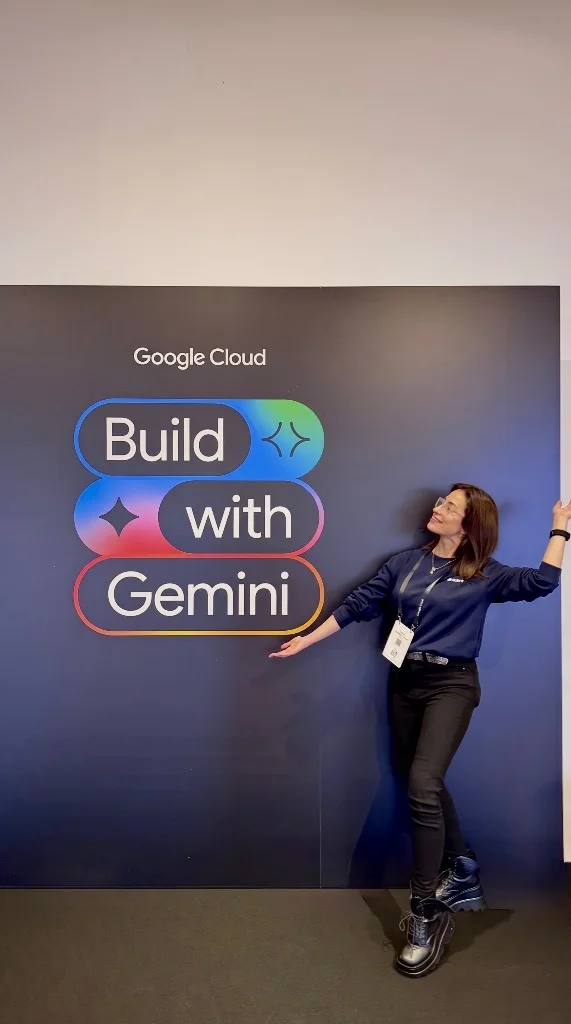
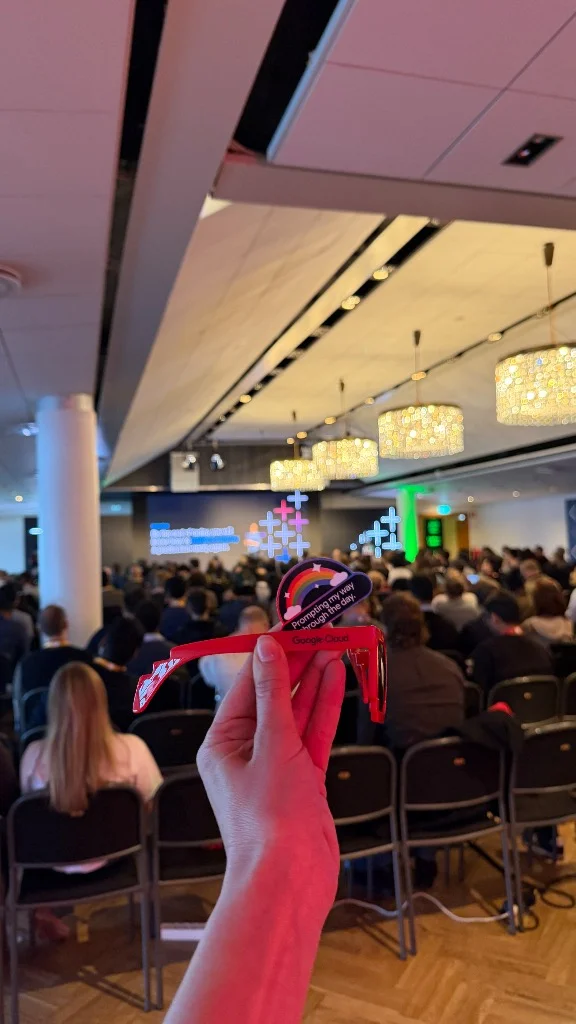
Keep the two agents distinct: Antigravity 2.0 is the coding agent in your IDE; the Agent Platform service is the runtime agent your end users interact with.
1. Separate the two agents in the room
In an agent-assisted workshop, you use a coding agent (Antigravity 2.0) to build a runtime application agent (prototyped with agents-cli and deployed to Gemini Enterprise Agent Platform). During the first 20 minutes on the floor, almost every debugging question came down to mixing up those two contexts.
When a participant typed a domain prompt intended for their travel or kitchen assistant directly into the Antigravity coding chat, Antigravity dutifully tried to modify the repository files instead of forwarding the message to the Playground. Conversely, when a runtime tool failed inside Agent Platform, developers sometimes tried to fix it by changing their IDE chat prompt rather than updating the agent's Python tool definition and redeploying.
agents-cli; the Playground and Cloud Run frontend talk to the deployed runtime agent.
2. An enterprise agent is 20% prompt and 80% harness
A raw LLM call can answer a question, but it cannot hold state across a user workflow or safely execute untrusted calculations. After prototyping a baseline agent with agents-cli and testing it in the Playground, the core of the Track 2 lab focused on wiring the five layers of the production harness:
Persistent Storage
Backing agent artifacts and user uploads with Google Cloud Storage buckets instead of ephemeral local disk.
Typed Tools & APIs
Connecting deterministic external APIs (such as Google Maps routes and live weather) with clear parameter schemas.
Generative Media
Calling Gemini image generation models from inside a tool so the agent can produce visual assets on demand.
Code Sandbox & Memory
Running generated code inside an isolated sandbox and persisting session memory across multi-turn conversations.
What stood out during facilitation was how much easier debugging became once participants added one capability at a time and verified each tool in the Playground before moving to the next. When three tools and memory are added in a single uncommitted batch, a schema mismatch in one tool masks the others.
3. Validate A2UI locally before redeploying
As a mobile and Flutter engineer, my favourite part of the Track 2 stack was the transition from plain-text chat to A2UI (Agent-to-UI). We have explored A2UI on stage at Google Cloud Builders Day Berlin and on the Flutter Community AI Circle: instead of returning a wall of markdown that the client has to scrape, the agent emits structured UI descriptors that the frontend renders as native interactive cards, maps, and action buttons.
The biggest time-saver in the workshop was validating A2UI output locally before redeploying to Agent Platform:
# 1. Test tool + A2UI payload locally first (seconds)
# 2. Confirm structured component output matches the frontend contract
# 3. Redeploy to Agent Platform and wire the Cloud Run frontend
Cloud deployments take a couple of minutes. Catching a malformed A2UI property or missing field locally keeps the feedback loop under five seconds and prevents broken cards from ever reaching the hosted Cloud Run frontend.
4. Close the loop with a deployed Cloud Run frontend
In the final hour, developers redeployed their finished agent to Agent Platform, built the agent-first web frontend, tested the end-to-end flow locally, and shipped the container to Cloud Run. Seeing participants customise their frontend theme, record a working demo clip, and push a clean repository to GitHub within a single afternoon showed how far agentic tooling has matured in 2026.
Whether you are building a web client or a Flutter app backed by Cloud Run and Firebase AI Logic, the production checklist stays the same:
- Version your agent skills: Commit your Antigravity skills and MCP setup in git so every teammate (and your future self) gets the same guardrails.
- Verify each tool in isolation: Test storage, external API calls, sandboxed code execution, and memory one by one before combining them.
- Enforce structured UI contracts: Use A2UI or strict JSON schemas so your frontend renders typed widgets rather than fragile markdown regexes.
- Gate every deploy on a local check: Run your local validation pass before pushing a new revision to Agent Platform or Cloud Run.
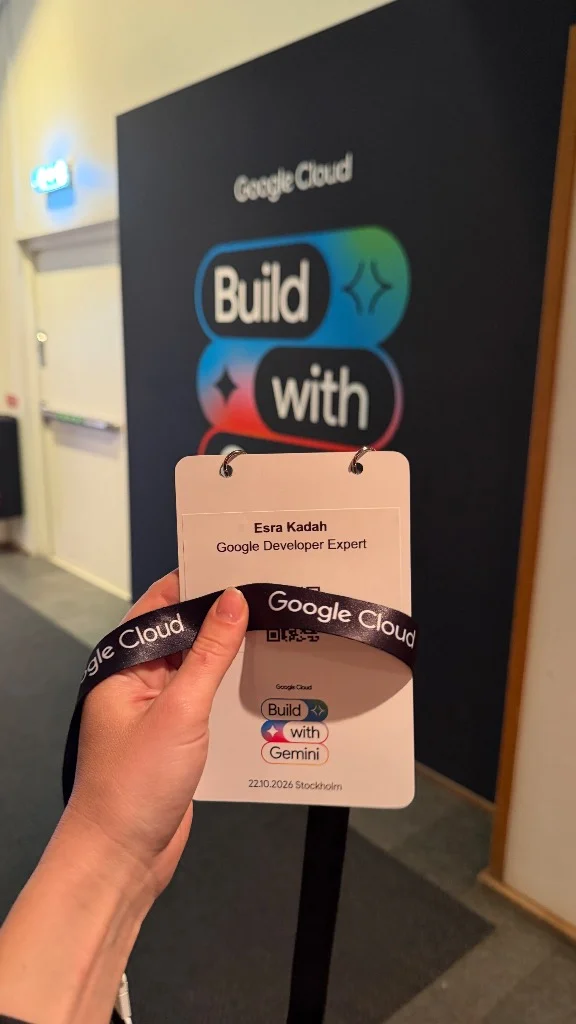
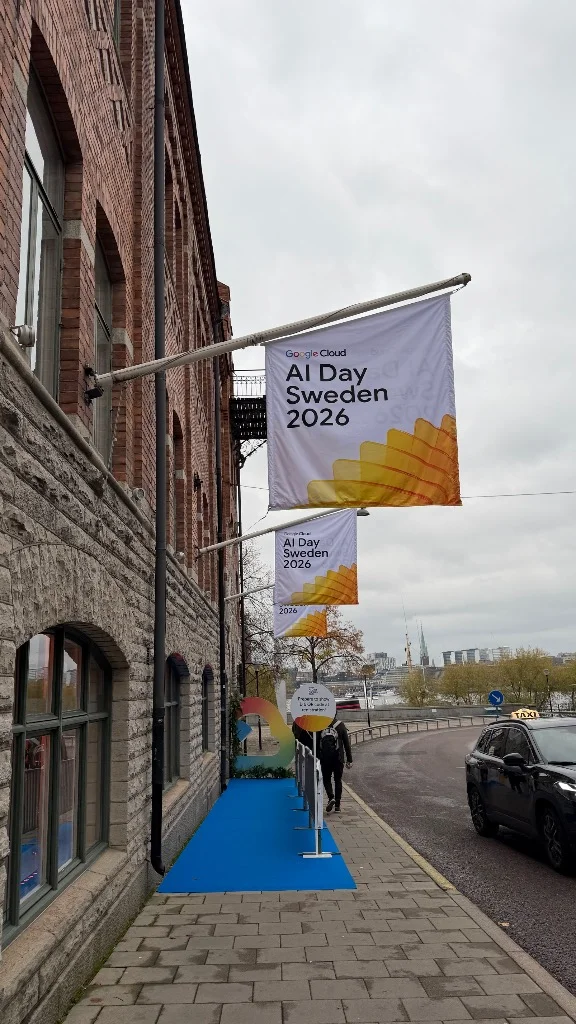
Thank you to the Google Cloud team, my fellow Google Developer Experts, and every developer who built alongside us in Track 2. If you want to explore the lab curriculum yourself, check out the Build with Gemini Track 2 lab instructions, or join us live on the Flutter Community AI Circle.